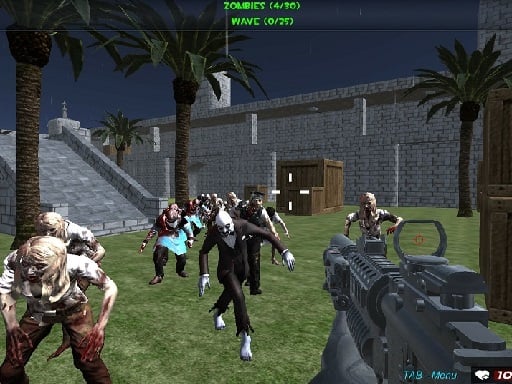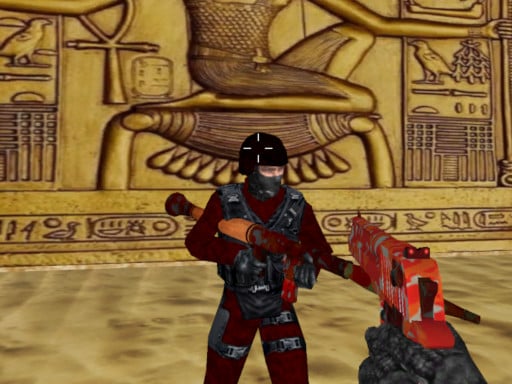
ShooterZ.io is a free online multiplayer game you can play right here in your browser, with no download and no sign-up. ShooterZ.io is better with company. Whether you share a keyboard or meet other players online, the game is built around what people do to — and with — each other. A few things the tags reveal: other players are involved, either online or on the same device.
About ShooterZ.io
ShooterZ.io is an exhilarating multiplayer shooter game that offers players a thrilling combat experience packed with endless fun. Whether you're looking to team up with friends or take on other players, you can easily create your own game lobby or join existing ones set up by others. The game draws players in with its vibrant graphics and multiple environments that
What makes a good multiplayer game? Usually simple rules everyone can grasp fast, head-to-head or cooperative play and bragging rights — and ShooterZ.io has each of them in some measure. The skills it leans on are communication and composure; both improve noticeably after a few sessions.
How to play ShooterZ.io
- Press the play button above and wait for ShooterZ.io to finish loading. On first load this can take a few seconds while the game files are fetched.
- Follow the on-screen prompts. The developer describes the controls like this: Left mouse button to shoot Right mouse button to aim R to reload C to crouch P to pause 1-9 key to change weapon T to open chat and enter to send
- Try a round against the computer or alone first so the controls are familiar before you bring in another player.
- Use the full-screen button under the frame for the best view, and keep an eye on the score, timer or health display so you know what the game is asking of you.
Controls
You will not need a manual for ShooterZ.io, but knowing the inputs before you start saves the first minute of fumbling:
| Input | What it does |
|---|---|
| Mouse | Left mouse button to shoot Right mouse button to aim R to reload C to crouch P to pause 1-9 key to change weapon T to open chat and enter to send. |
| Enter | Left mouse button to shoot Right mouse button to aim R to reload C to crouch P to pause 1-9 key to change weapon T to open chat and enter to send. |
| Number keys | Left mouse button to shoot Right mouse button to aim R to reload C to crouch P to pause 1-9 key to change weapon T to open chat and enter to send. |
It is designed for desktop play with a keyboard and mouse.
Tips and tricks
- Be a good winner. Rematches are how multiplayer games stay fun, and nobody replays a gloater.
- Do not tilt. After a bad round, the next one is a fresh start; the player who resets emotionally usually wins the set.
- Play the opponent, not the game. Notice what your rival keeps doing and punish that habit.
- In shared-keyboard games, agree on who uses which keys before you start — hand collisions cause more losses than skill does.
- Because this is a Gun game, reload in quiet moments, never mid-wave.
- Because this is a Webgl game, enable hardware acceleration in your browser settings if it stutters.
Who will enjoy it
ShooterZ.io is a good fit for friends on one screen, online competitors and anyone who finds bots boring. Expect matches of two to ten minutes, best played in a series. The learning curve is entirely dependent on who you are playing against. It is designed for desktop play with a keyboard and mouse.
Game details
| Category | Multiplayer Games |
|---|---|
| Tags | 3d Games, Action, Webgl, Unity3d, .io Games, Violence, Multiplayer, Gun, Weapons, Sniper |
| Platform | Browser (desktop) |
| Controls | Keyboard and mouse |
| Technology | HTML5 — no download or plugin required |
| Frame | Landscape (960×600) |
| Added | 25 October 2024 |
| Plays | 1 |
| Price | Free to play |
Frequently asked questions
Is ShooterZ.io free to play?
Yes. ShooterZ.io is completely free to play on Diemakora. There is no download, no account and no payment — the game runs in your browser.
Can I play ShooterZ.io on my phone?
ShooterZ.io is best played on a desktop or laptop. It relies on keyboard and mouse input, and while it may load on a phone, the controls will not be comfortable.
What are the controls for ShooterZ.io?
In short: Mouse — Left mouse button to shoot Right mouse button to aim R to reload C to crouch P to pause 1-9 key to change weapon T to open chat and enter to send; Enter — Left mouse button to shoot Right mouse button to aim R to reload C to crouch P to pause 1-9 key to change weapon T to open chat and enter to send; Number keys — Left mouse button to shoot Right mouse button to aim R to reload C to crouch P to pause 1-9 key to change weapon T to open chat and enter to send. The full list is in the controls section above.
Does ShooterZ.io save my progress?
Most browser games, including ShooterZ.io, store progress locally in your browser. If you clear your cookies or switch devices, that progress may be lost, so finish sessions before clearing browser data.
What if ShooterZ.io does not load?
If ShooterZ.io does not load, refresh the page, make sure your browser is up to date and check that hardware acceleration is enabled. Ad blockers occasionally interfere with the game frame as well.
What kind of game is ShooterZ.io?
It is a multiplayer game with the tags 3d Games, Action, Webgl, Unity3d. Entirely dependent on who you are playing against, and matches of two to ten minutes, best played in a series.
Games similar to ShooterZ.io
Finished a session? The games listed below were picked because they share tags or a category with ShooterZ.io.